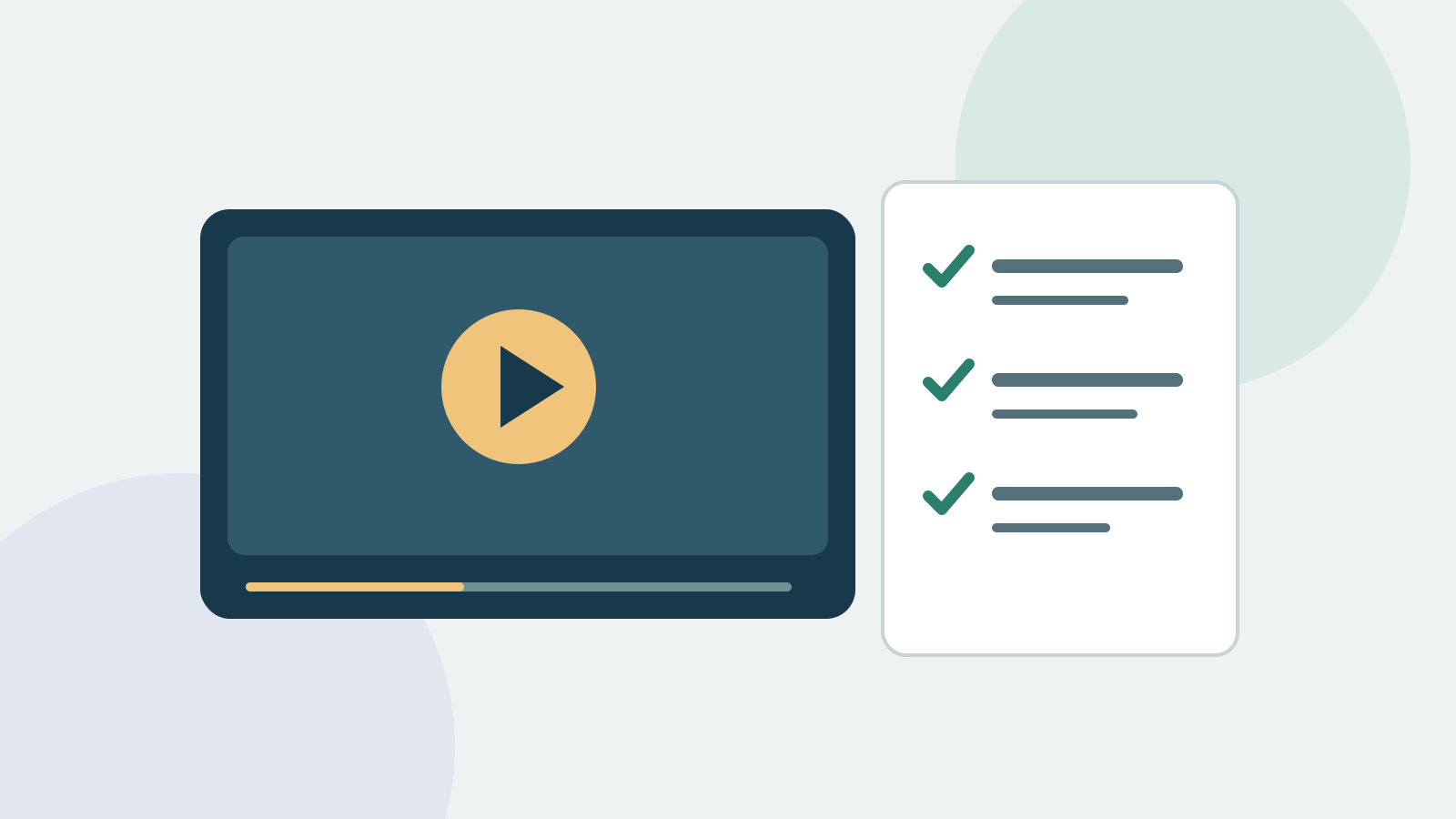
Cover: an original Techotick conceptual illustration of a lecture and a study notebook; it is not the CS Learn interface.
You can now sample Carnegie Mellon computer science lectures for free through CS Learn. The harder decision is choosing a course you can follow and making time to practise. Before filling your calendar, separate three questions: which recordings can you watch, what practice can you do, and what evidence of learning do you need?
Carnegie Mellon announced CS Learn on 16 November 2026, offering selected classroom lectures online. The launch catalogue lists Principles of Computing and Machine Learning with Large Datasets as available to watch, with further premieres scheduled for 17–19 November. It also puts self-paced courseware, feedback and badges in a future stage, with AI tutoring to follow.
A course appearing in the catalogue therefore does not mean its entire semester, exercises and assessment are ready for you today. Plan around the material you can actually open.
Choose the learning task first
| Your aim | A useful first check |
|---|---|
| Write your first programs | Start by inspecting 15-110 Principles of Computing and its introductory material. |
| Understand a specialist topic | Read that course's description and sample an available lecture before planning the whole series. |
| Earn a formal credential | Check the separate program's admission, assessment and fee details before relying on free lecture viewing. |
The 15-110 course description explicitly welcomes people with no previous programming or computer science experience. It begins with Python fundamentals, including variables, functions and loops, before moving into subjects such as data analysis and machine learning. That makes it a reasonable first place to look if an AI lecture assumes concepts you have not learned yet.
Do not choose solely by the word “introductory”. CMU's 15-112 description says that course assumes no programming experience but is fast-paced and rigorous; it points learners wanting a gentler introduction toward 15-110. Use that distinction to judge pace; 15-112 is not listed in the launch catalogue we checked.
Make a plan for one week
Try one small study cycle before committing to a semester; this is our suggested plan, not CMU's prescribed schedule. Pick a single available lecture and write down what you want to understand. While watching, keep a short list of terms or steps you cannot yet explain.
Then reserve a separate session for doing something with the idea. For a programming topic, type a small example yourself, predict its output and change one input. After studying loops, for instance, try adding the numbers in a short list and check the result by hand. For a conceptual topic, draw the process and explain each connection without replaying the video. These are suggested self-study exercises, not CMU assignments or graded assessments.
For example, imagine Sam has two evenings free. Sam spends the first watching part of an introductory lecture and taking notes. On the second, Sam tries a small program using the concept, records an unexpected result and works out why it happened. If that task uses all the available time, the next lecture can wait. This hypothetical plan gives Sam something to check beyond the number of videos watched.
At the end of the week, ask whether the obstacle was missing background knowledge, too little practice time or unavailable material. Each calls for a different adjustment: revisit an introductory topic, reduce the pace, or choose a resource that is already published.
Check access before committing
Open the course through CMU's catalogue and inspect the linked recordings on your own device. Check the actual available sequence, playback and captions you need. If you want accompanying notes or exercises, confirm that those specific links work without a university login. A public video does not establish access to every service used by enrolled students.
CMU describes CS Learn as intended for learners worldwide. We have not tested video playback from US and Australian connections, and the catalogue does not specify a timezone for its premiere dates. Do not convert those dates into a promised Australian release hour. For a study session, the useful test is whether the recording is available when you sit down.
If proof of completion matters to an employer or institution, settle that requirement separately. The CS Learn site links to CMU Online for official credentials; do not assume watching a lecture satisfies a credential program's requirements. Check the specific program and the organisation that will evaluate it.
Keep a simple study record: course title, lecture link, date, one concept explained in your own words and one task completed. Review that record before adding another course: an unanswered question or unfinished exercise is a useful place to resume. It is your learning log, not a CMU certificate.
Prepared with AI assistance and editorial revision from the linked CMU pages, checked on 17 November 2026. We have not completed these courses, tested regional video playback or assessed learning outcomes. Sam is a hypothetical example. No sponsorship or affiliate links.
Sources
- CS Learn catalogue and roadmap — Carnegie Mellon University
- CMU announces CS Learn — Carnegie Mellon University
- 15-110: Principles of Computing — Carnegie Mellon University
- CMU Online credential programs — Carnegie Mellon University
- 15-112: Fundamentals of Programming — Carnegie Mellon University