Create an illustrative desk before-and-after concept
Generate one clearly disclosed split-panel desk concept, with matched furniture and lighting. Customize the wall color and desk finish.
Tools: ChatGPT built-in image generation
What to provide
- Use a muted wall color that works in both panels.
- Describe a consistent visible desk material for both panels.
Example Recorded test output
Input
Recorded inputs (2026-10-29): Wall and palette color: sage Desk finish: warm-wood These defaults expand to the exact prompt used for the saved output. No reference image was supplied.
Output
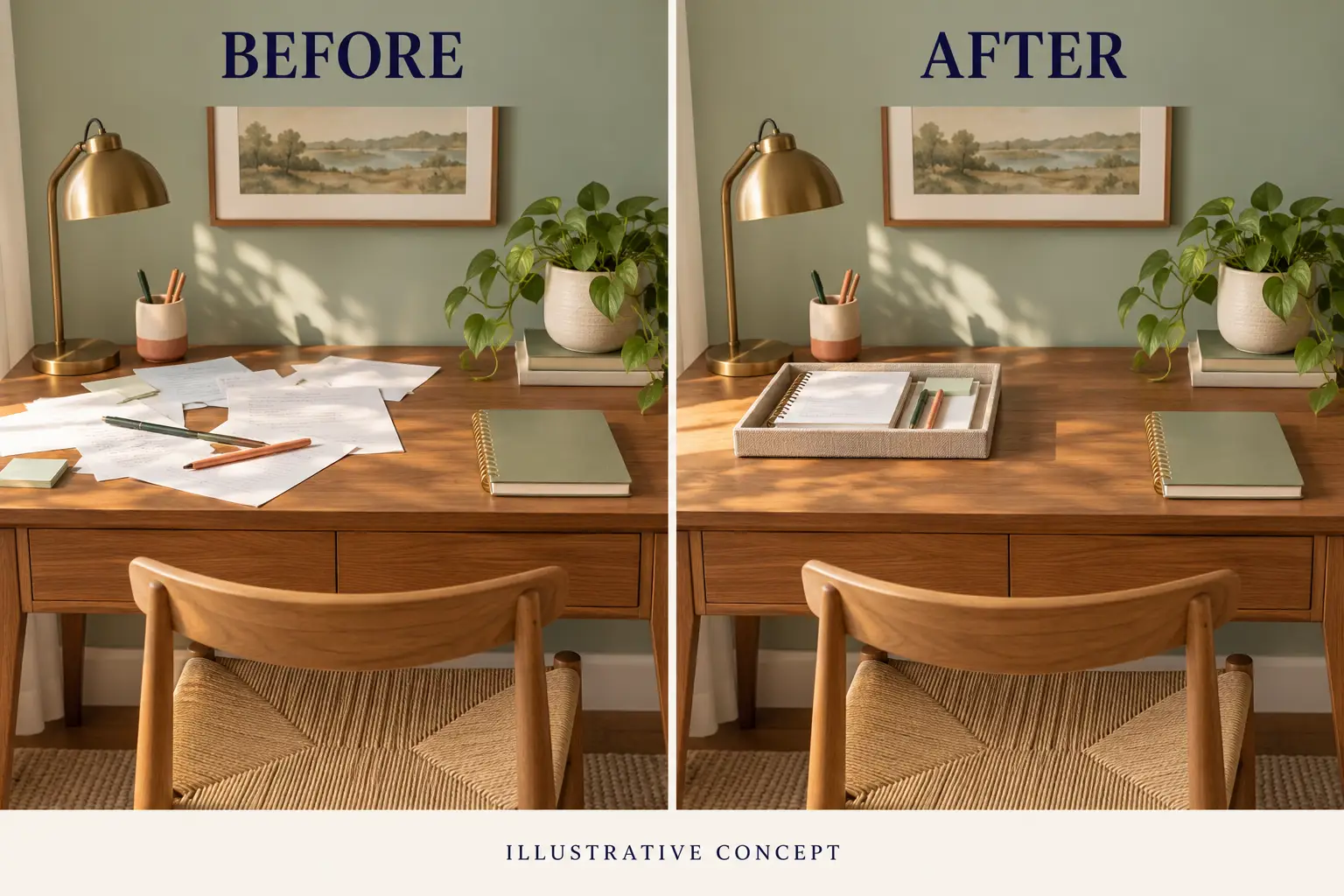
Recorded AI-generated output from the exact default inputs. BEFORE, AFTER and ILLUSTRATIVE CONCEPT are readable. Furniture and lighting broadly align while papers move into a tray arrangement, with some fine-detail differences.
Tool settings
Actual recorded run: 2026-10-29. Built-in image_gen tool; model name, seed and quality setting were not exposed. Opaque background. Saved PNG: 1536 × 1024. No reference image. Layout directions in the template describe the requested composition, not guaranteed output settings.
Improve the result
- Keep the two-panel layout, disclosure and furniture. Refine the tray arrangement without adding measured claims or changing the lighting.
- Inspect the result at full size and at its intended display size. Recheck text, object structure and any changed details.
Use this prompt
Keep the default inputs to copy the exact recorded generation prompt, or customize the fields for a new variation. Copy the completed text into an image-capable tool. New inputs and follow-ups are untested variations.
About the example
BEFORE, AFTER and ILLUSTRATIVE CONCEPT are readable. Furniture and lighting broadly align while papers move into a tray arrangement, with some fine-detail differences.
Both panels were generated together from text. This is a recorded generation of an illustrative comparison, not a real clean-up, source-versus-edit test, customer result or proof of product effectiveness.
The slash labels are informal creative shorthand. This example was produced by built-in image generation; no model name was exposed.
Related guide
Read Image Prompts Set 2 for the full worked example and inspection notes.