Create an image in a chosen visual style
Turn a scene idea into a coherent illustration with one clear style, useful composition details and practical constraints. Customize the scene, visual style, materials and layout.
Tools: An image generator that accepts a detailed text prompt.
What to provide
- A subject and setting.
- The visual style and visible traits that communicate it.
- Composition and palette requirements.
Example Recorded test output
Input
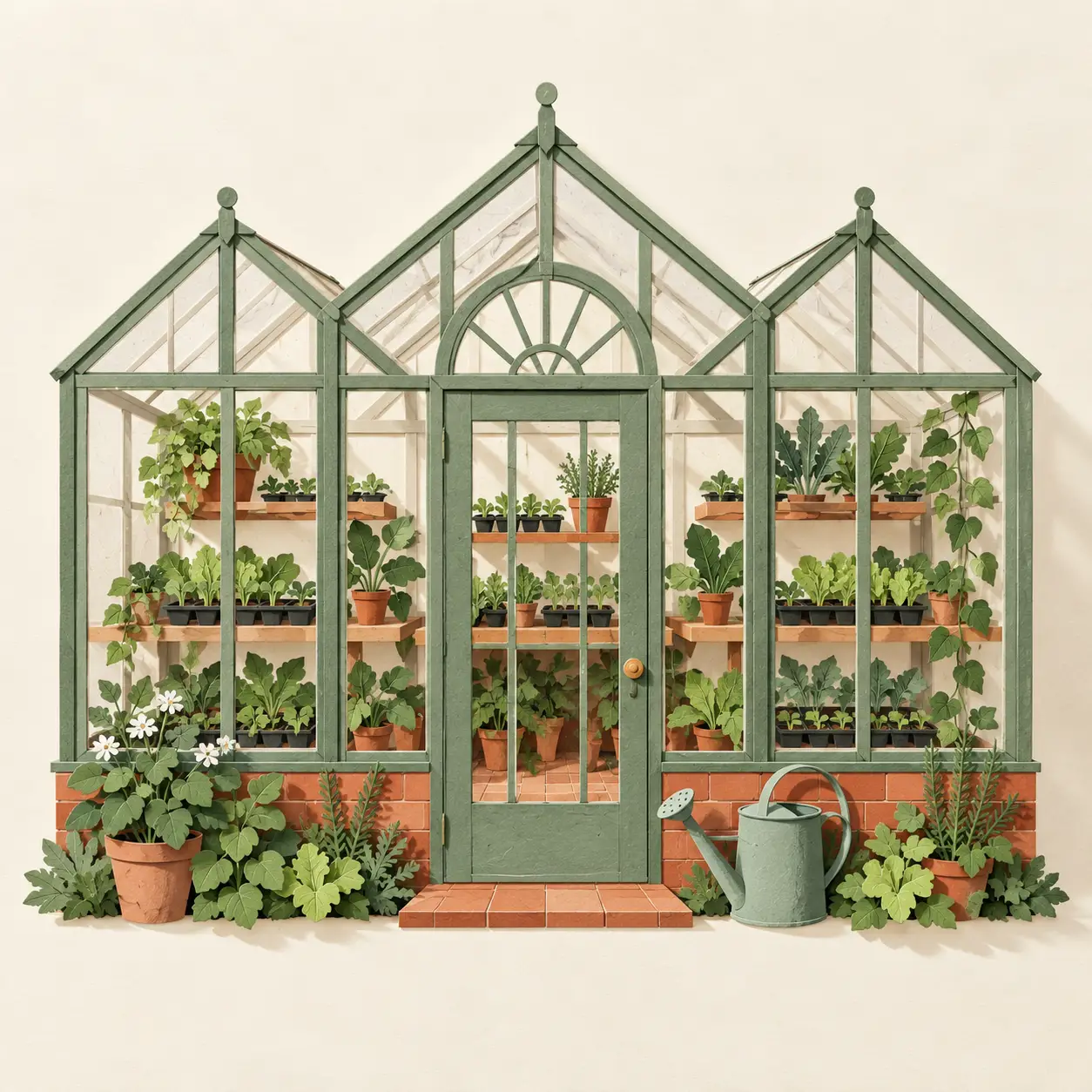
Subject: a small neighborhood greenhouse. Style: layered papercraft. Style details: hand-cut colored paper layers, subtle paper fibers, crisp edges and gentle cast shadows. Scene details: three glasshouse bays, leafy seedlings on shelves and a watering can by the door. Palette: sage green, warm cream and terracotta. Composition: square, centered greenhouse with ample margin. Exclude: extra buildings.
Output
Generated square editorial illustration of a small greenhouse with three visible glasshouse bays, shelves of seedlings and a watering can. Sage, cream and terracotta layers with crisp edges and soft shadows make the papercraft direction visible. No lettering or additional buildings. The result is a generated image, not a photograph or construction plan.
Tool settings
One square image. Exact output dimensions and model selection were not exposed in this built-in run.
Improve the result
- Keep the subject and composition, but change the visual treatment to [style] and describe its defining materials and marks.
- Reduce background detail while retaining all named objects and the same framing.
Worked examples
See the related guide, 24 ChatGPT image prompt labels with generated examples, for a practical glossary of photo, lighting, style and layout directions. The examples are illustrative and do not establish that slash-prefixed labels are built-in commands.